
What Should I do if I Forgot my Password?
If you forgot your password, you can reset it by following these steps:
-
Open the ChargeWise app > Enter your email address > Forgot Password:
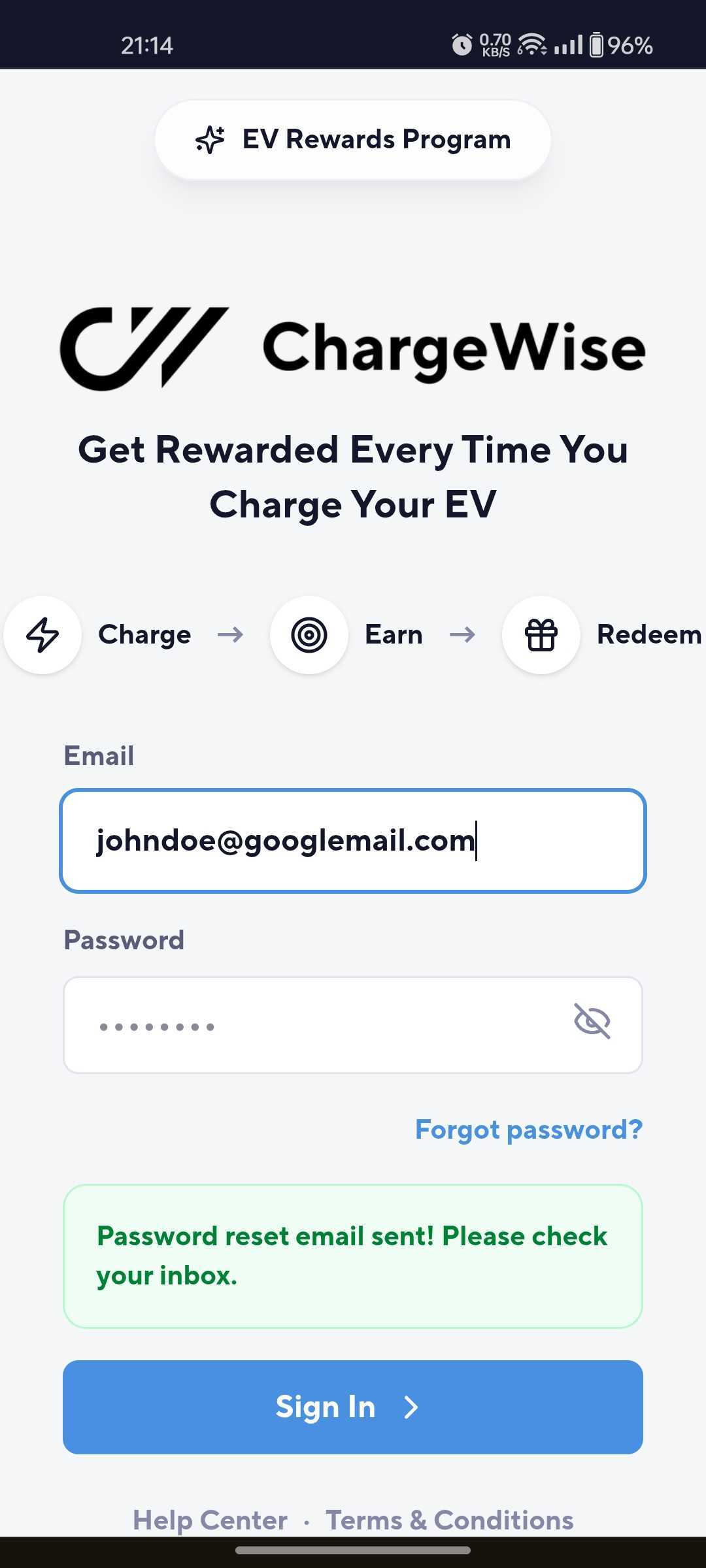
Open the ChargeWise App & Enter your email address
- You'll receive the following automated message to your email address right away:

- Enter Your New User Password in ChargeWise > Confirm Password > Update Password:
